Screenshots
The library, in practice
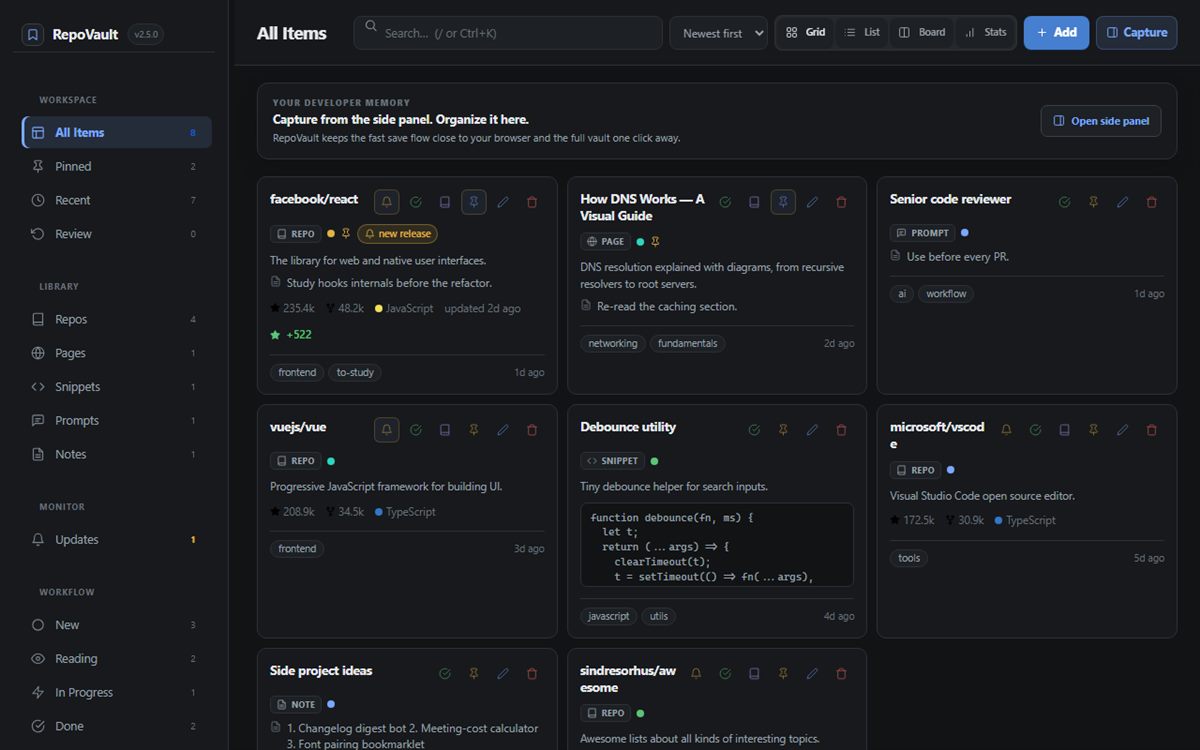
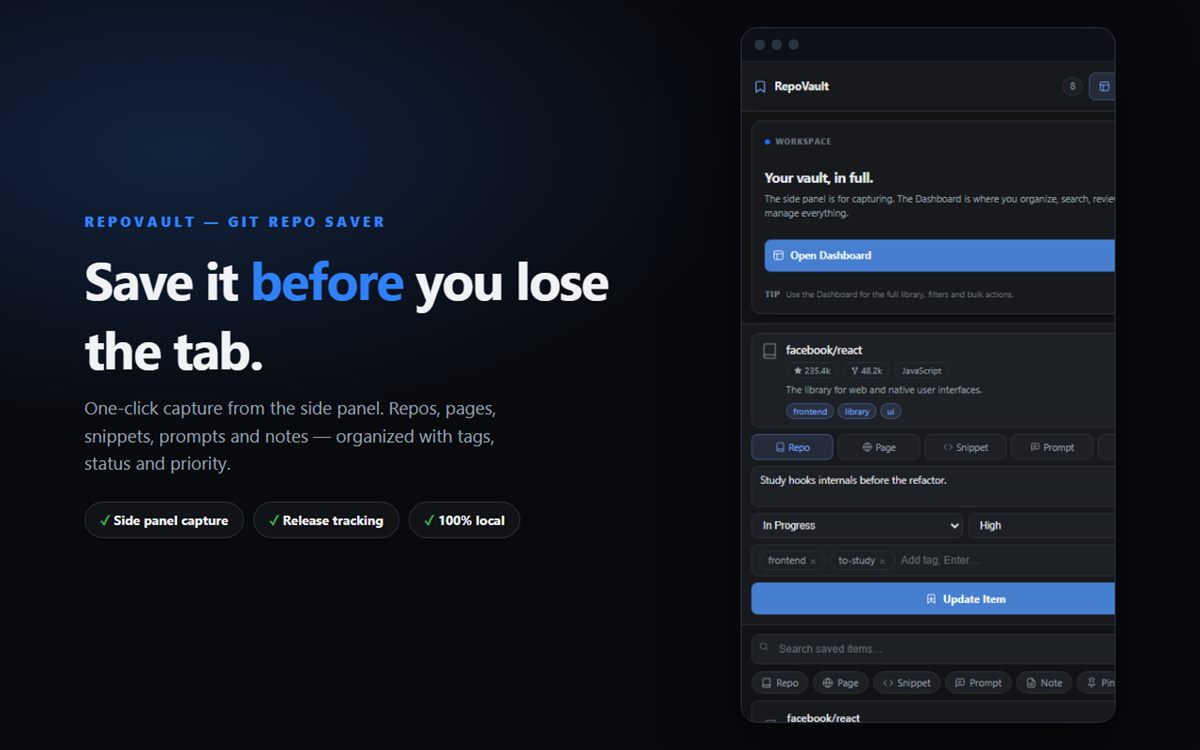
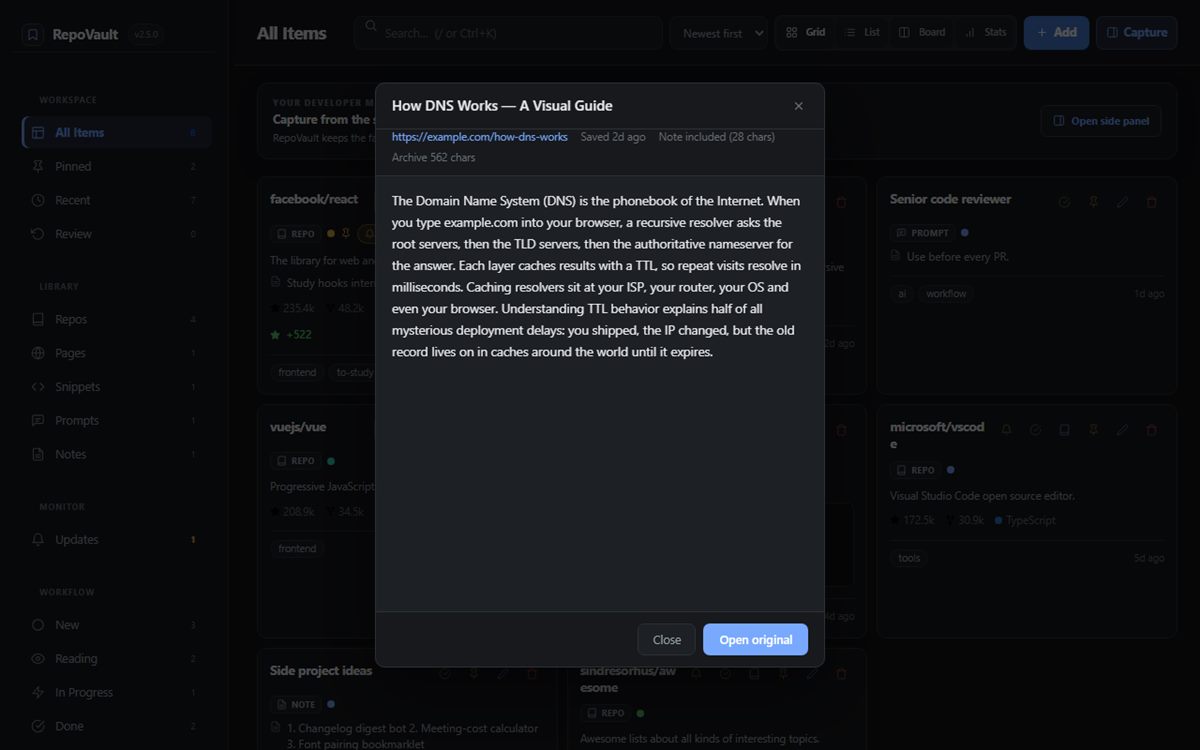
Save GitHub repositories, pages, snippets, prompts and notes. Tag them, track releases, read them offline later. No account, no servers — the library lives on your machine.
Side panel, toolbar, right-click (“Save to RepoVault” / “Save as Code Snippet”) or Ctrl+Shift+E. Repos keep stars, forks, language and topics automatically.
Tracked repos get an Updates tab with new releases and star growth, plus a browser notification when something ships.
Pages and READMEs are archived locally, so full-text search and reading still work without a connection.
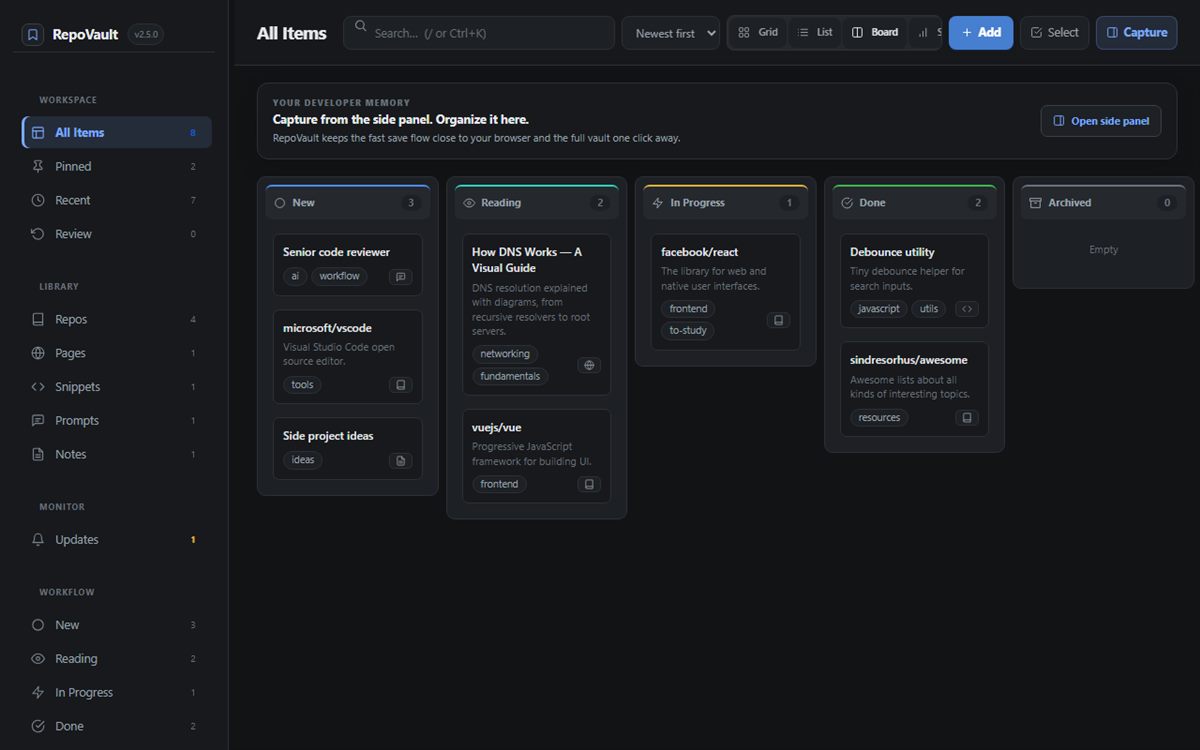
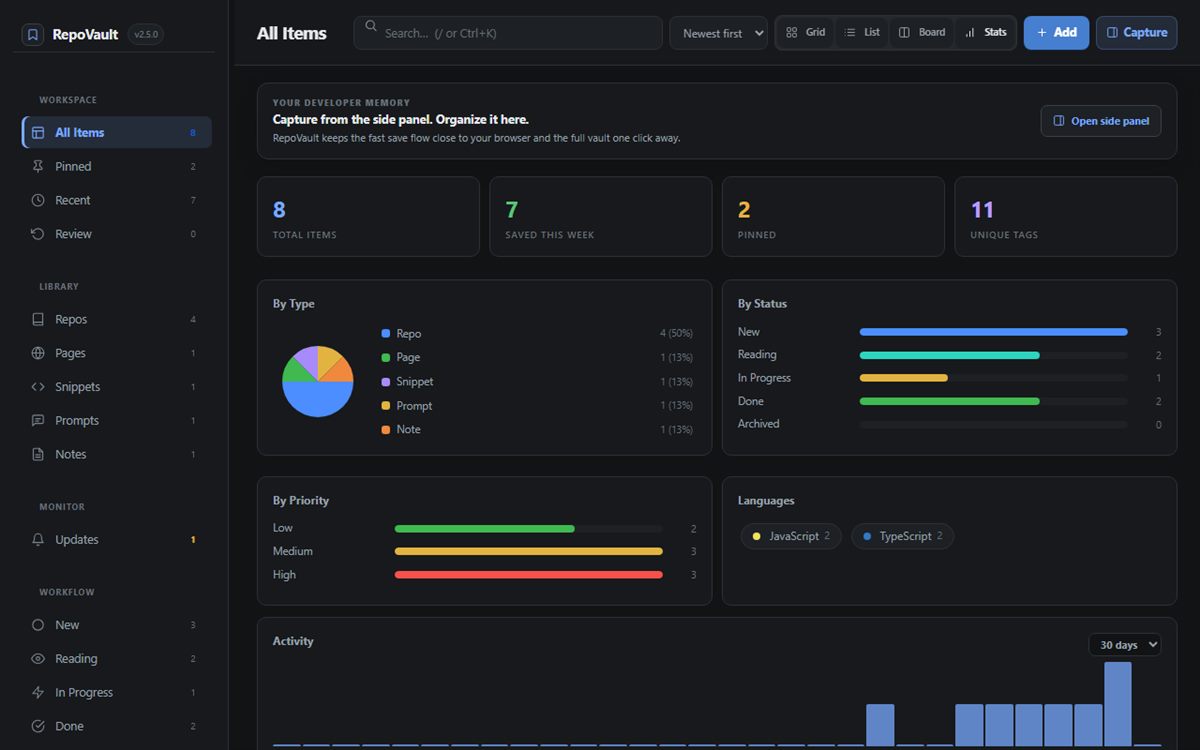
Tags, status (new → done → archived), priority, grid, list, kanban and a stats dashboard with activity charts.
Everything is stored in chrome.storage.local. Export as JSON, HTML bookmarks or Markdown; import from Chrome or Pocket. The only outbound request is an on-demand lookup of public repo metadata for repos you choose to track.
Not affiliated with, endorsed by, or sponsored by GitHub, Inc. GitHub is a registered trademark of GitHub, Inc.